Install guide
One afternoon.
Basic tools. Done.
No splicing experience needed: the harness comes pre-crimped and fused. If you can change a cabin air filter, you can install a SparkBadge.
Full install walkthrough · 6 minutes
Unbox and bench-test
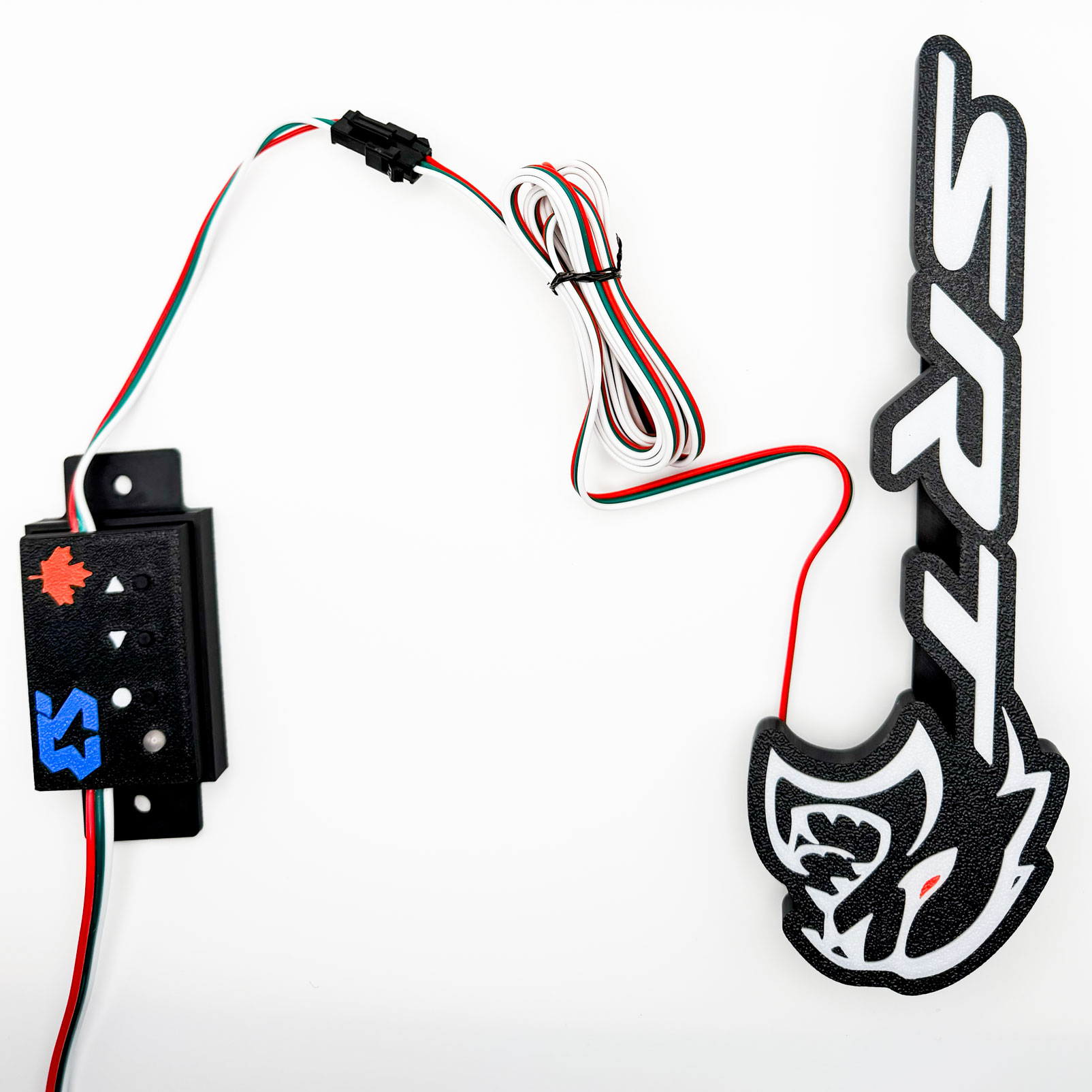
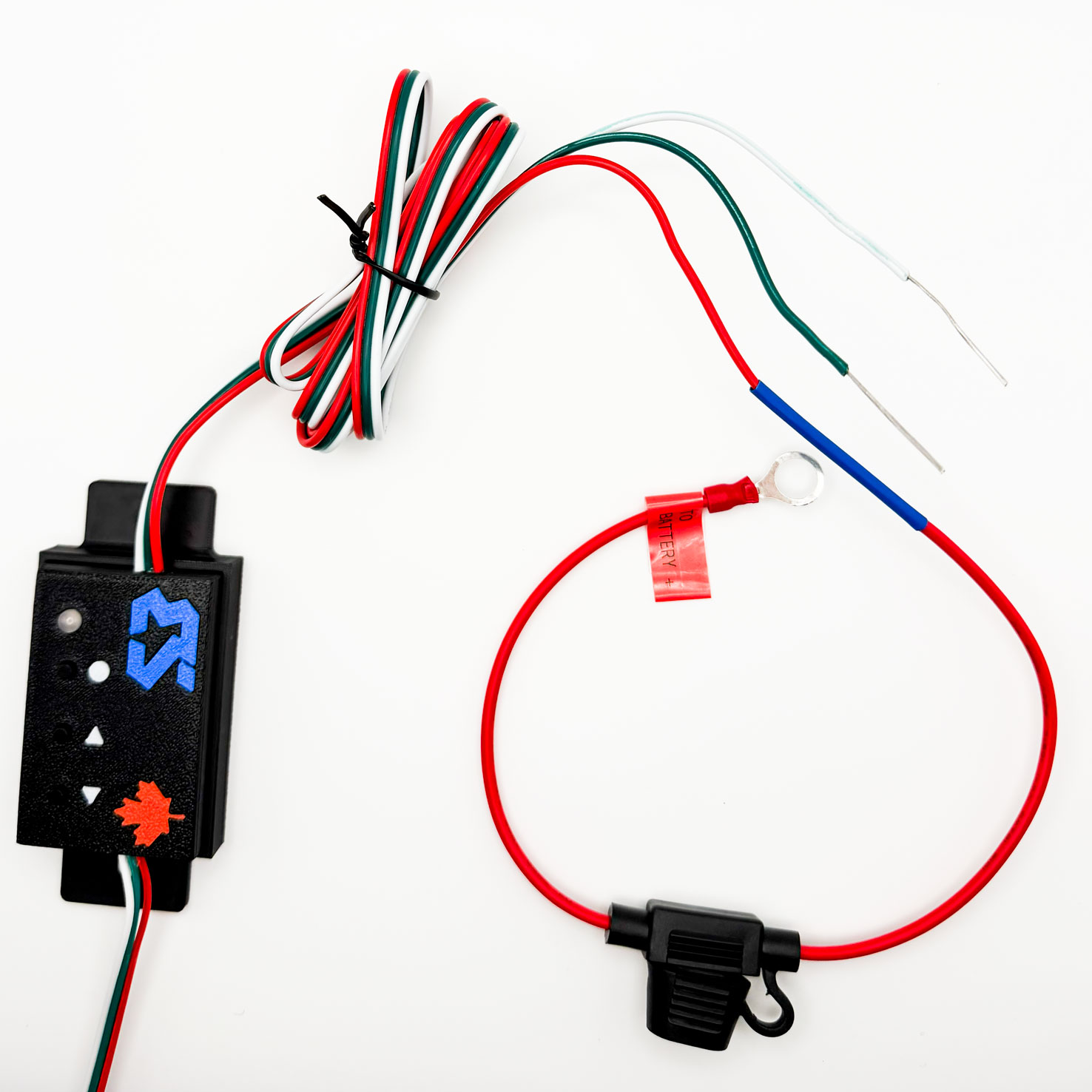
Power the badge off the included harness before mounting: confirm every segment lights.
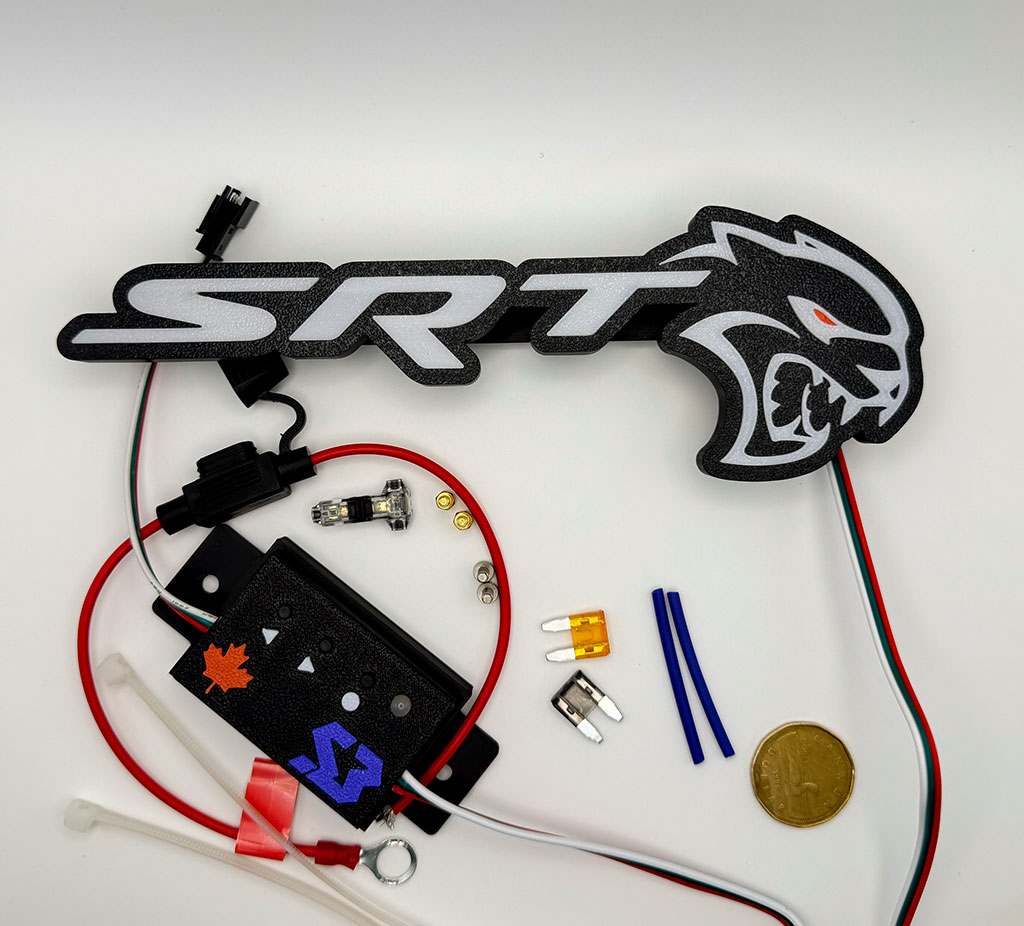
Check contents against the packing list. The controller LED blinks every 2 s when healthy.
Mount the badge
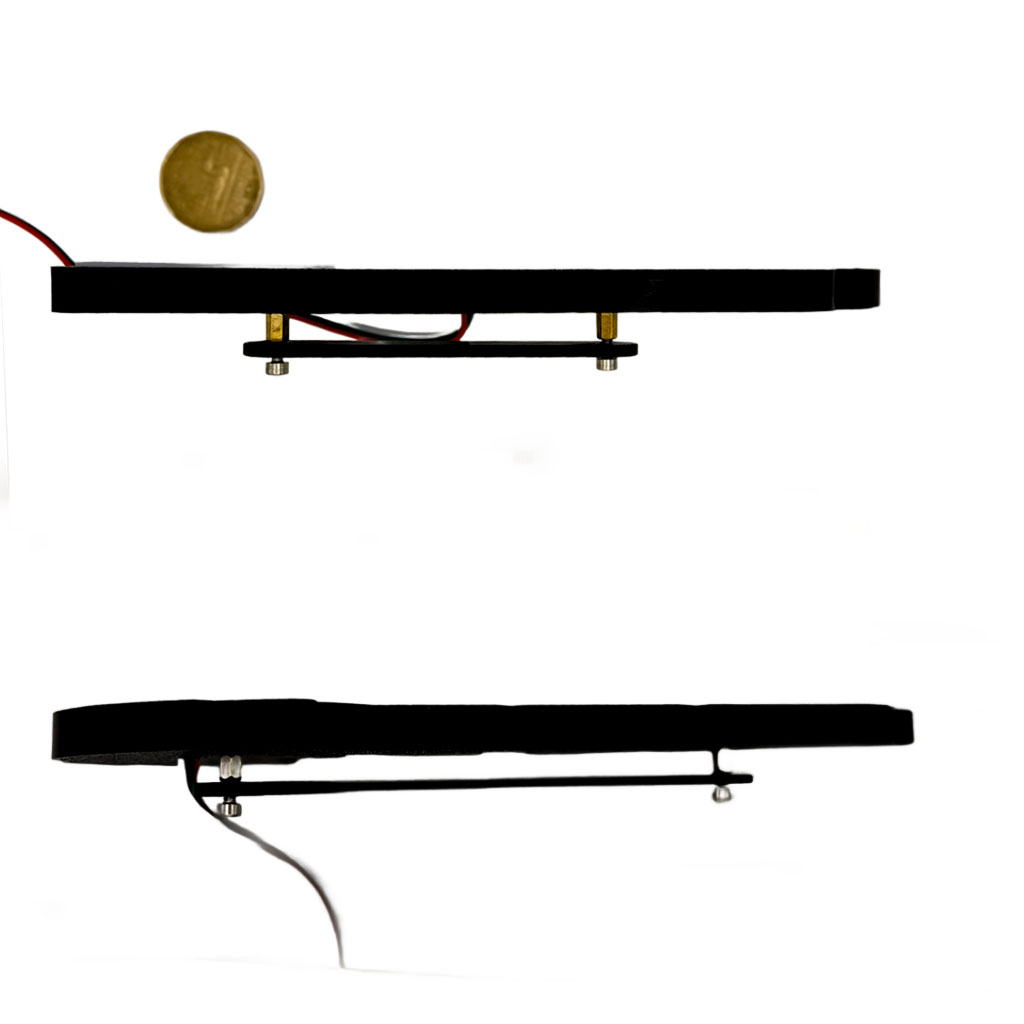
Brass bolt screws through the grille, or the mounting plate for mesh grilles.
Test-fit before tightening. The badge sits flush: no wobble, no gap.
Route the harness
Behind the grille support to the battery side. Zip-tie away from anything hot or moving.
Leave a small service loop at the badge end so the connector never takes strain.
Connect power
Inline fuse holder to battery positive, ground to chassis. The 2 A fuse protects everything.
Disconnect the battery first. T-taps are included if you'd rather switch with ignition.
Pair the app and light it up
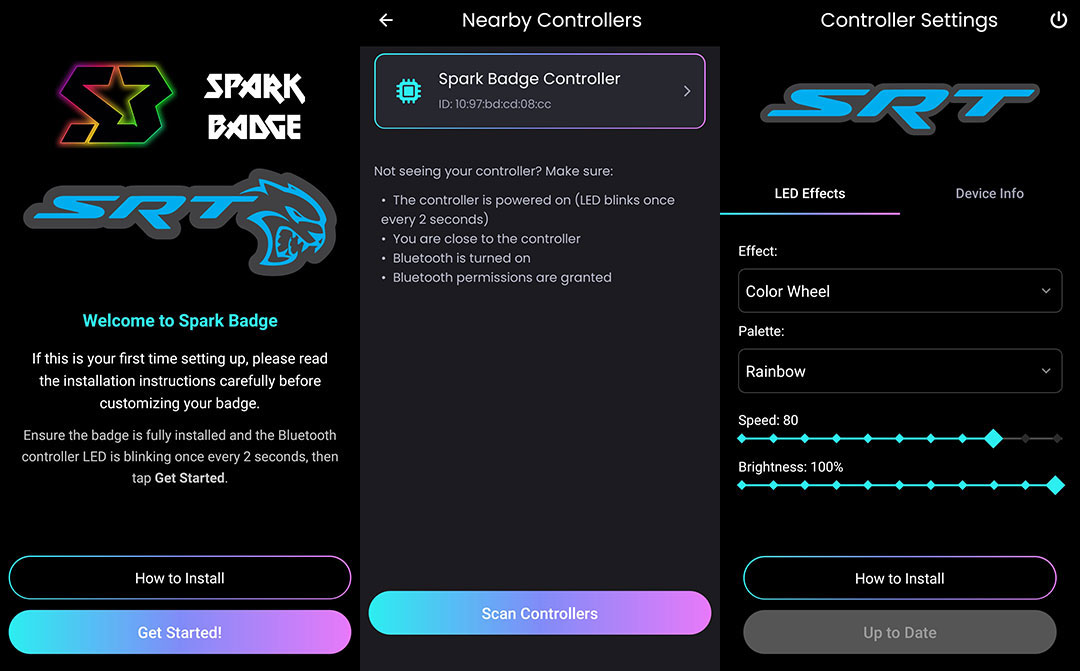
Open the app, scan, connect, pick your colors and effects. No account, no WiFi needed.
Set a day preset and a night preset first: they're one tap apart afterward.